
No Best of contest is complete without voting.
Below is our demo site, showcasing the Voting page of an admin site. The first tab is our Dashboard view including a graph showcasing submitted votes over the life of your contest. As this is a demo, you can expect your graph to look a bit more lively.
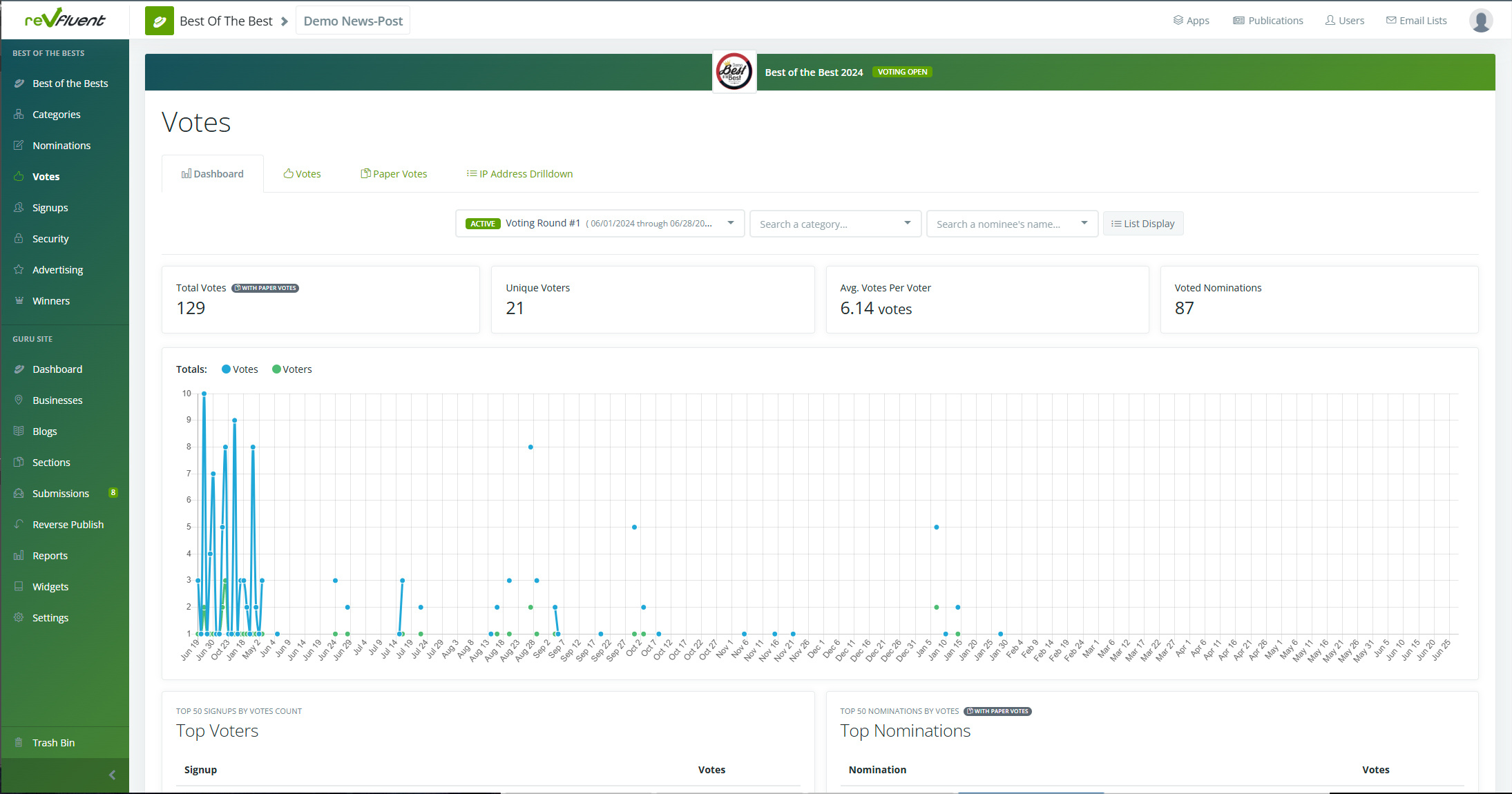
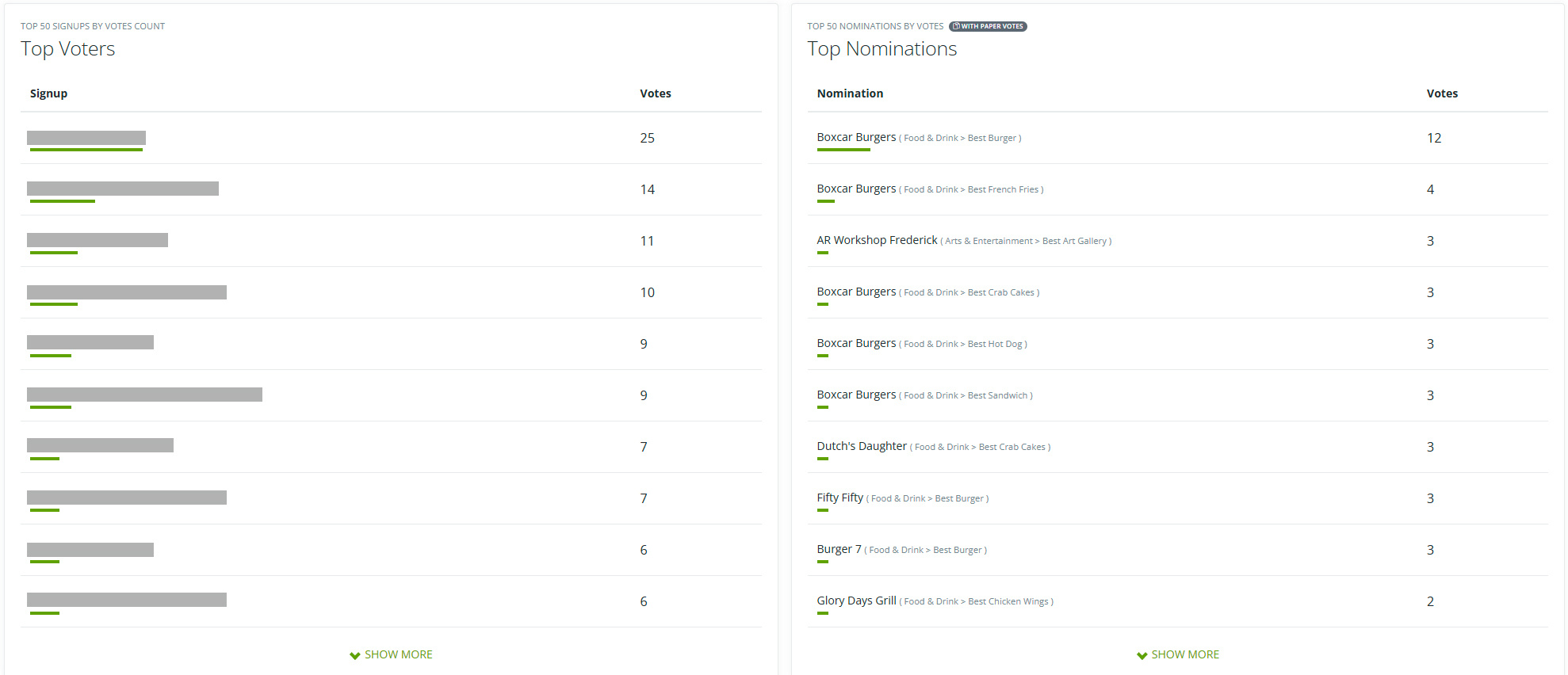
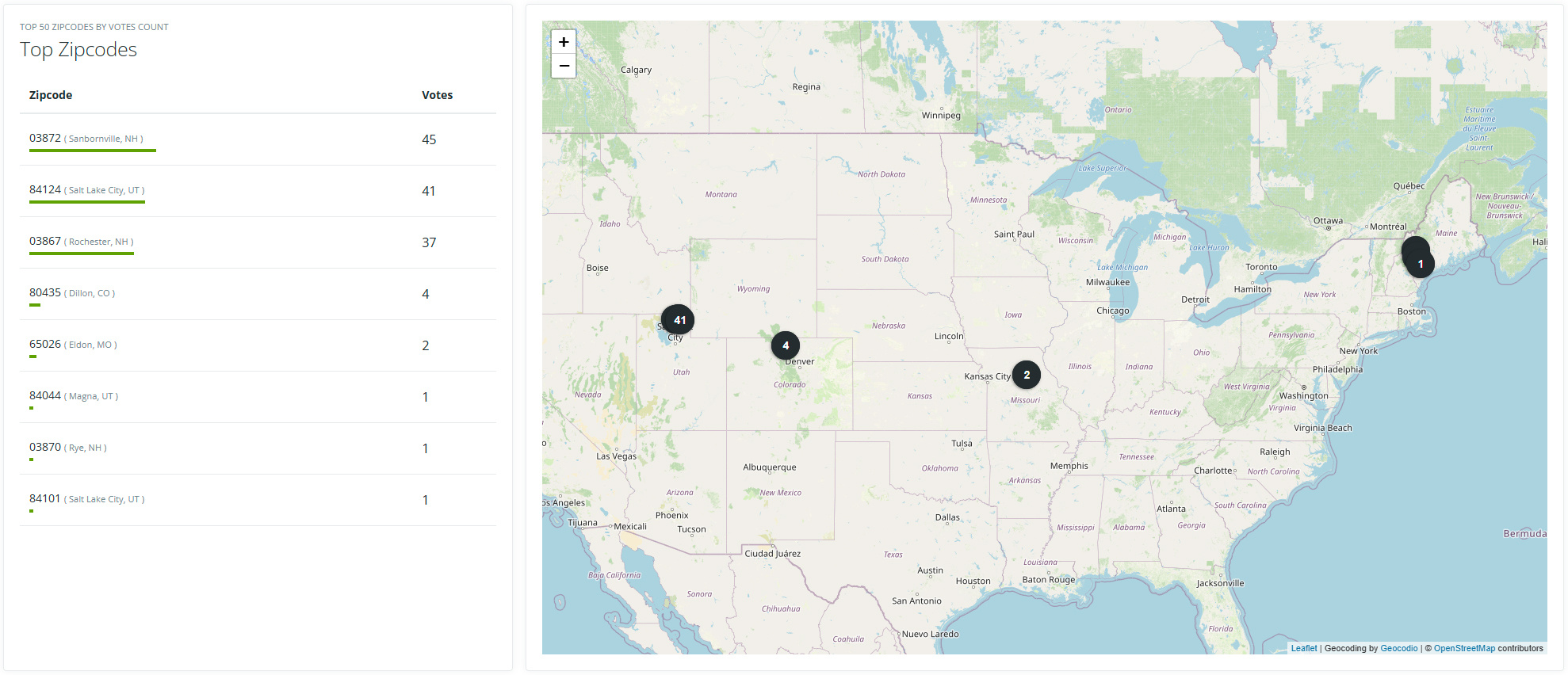
As we move down the page, you'll see Top Voter by email address, Top Nominations, as well as Top Zip code of votes submitted, along with a map for reference.
click to expand
The second tab, Voting, allows you to review all votes submitted. Here you can see all submitted votes within your contest, organized by most recent first. Each entry will show the voter, total number of votes, as well as their IP Drilldown - more on that later.
Alongside that, we see who they voted for, and a selection of options including to Deny the vote, add a Note, as well as view Metadata on the voter. This helps ensure you're contest is on the up-and-up.
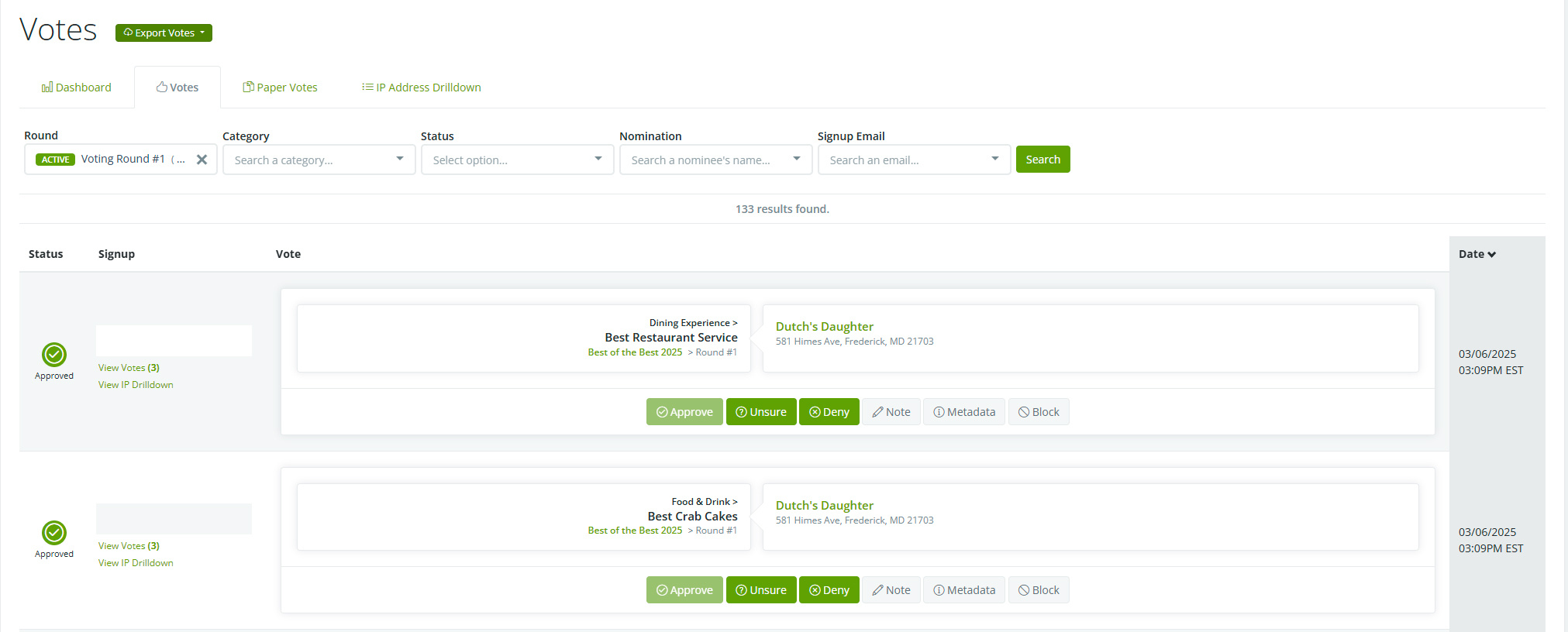
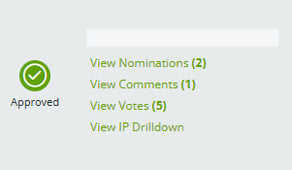 As well as their votes, any Nominations or
Comments can also be reviewed, approved, denied or select "Unsure."
The Unsure setting is applied to any non-verified voters until they are reviewed by a manager or decision maker.
Alongside the ability to track Paper Votes (which we do not have in this demo contest, but can provide additional information on if you'd like), we have our IP Drilldown.
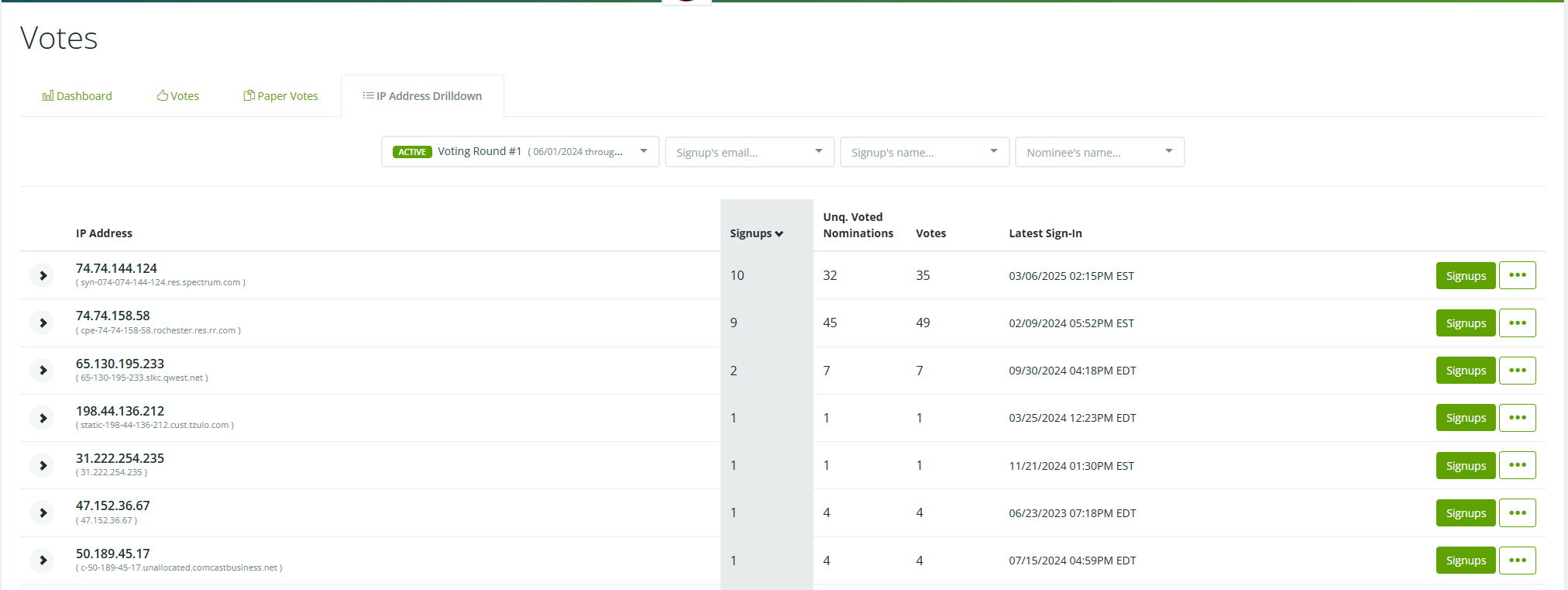
This tab allows you to track votes by their IP address. Suspect potential fraud? Here is where you can double check and verify that it's actually a dormitory at your local State College that's all upvoting the pizza shop.
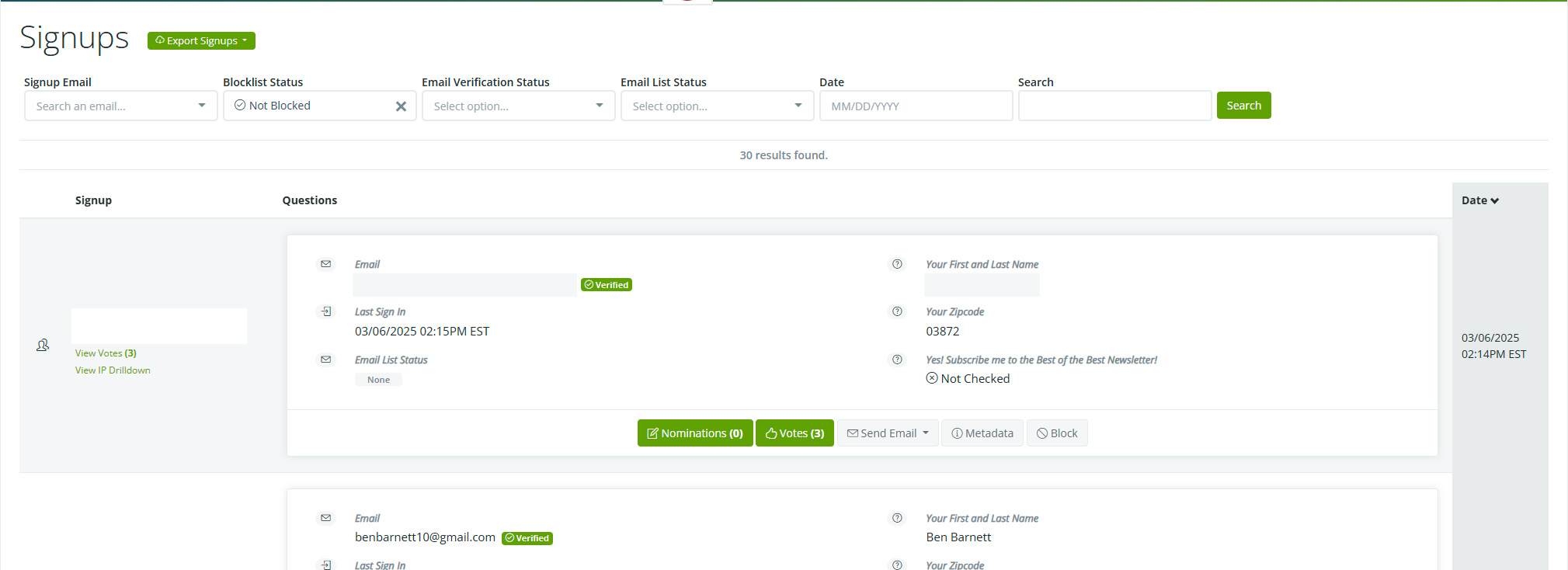
Alongside the Voting tab, we also have Signups. This landing page is similar to our IP Drilldown, allowing your admin team to review individual signups, as well as review the provided answers included in your registration email. This also includes any newsletters they have signed up for.
With Voting and Signups handled, we'll move onto Security next.
If this wasn't helpful, click this link to submit a support ticket.